See Your Room Redesigned From a Single Photo
Looking to change up a room but not sure where to start? Whether you're staging a place to sell, refreshing a room you're tired of, or just curious what a different sofa would look like, Chic's free AI room designer redesigns a real photo of your space in seconds.
Most design tools ask you to write a prompt describing the room you want, or to hire someone to sketch it for you. Chic works differently: you comment on the photo you already have.
Upload a photo of your room, leave a comment describing the change, something like "swap the sofa for a green velvet one," "make the rug lighter," or "add a floor lamp by the window," and the AI redesigns the photo around exactly what you asked for. No dropdowns, no style quiz, no waiting.
How Chic's AI Room Designer Works
An AI room designer uses machine learning to generate interior design concepts from a photo instead of a blank page. Chic takes that a step further: instead of describing a whole room from scratch, you comment on the one you already have, the same way you'd leave feedback on a document or a design file.
Pin a comment to a specific spot in the photo, or just describe the change in general. The AI reads your comment, re-renders the photo with that change applied, and leaves the rest of the room alone. It usually takes about 20 seconds.
How to Use Chic: Upload, Comment, Shop
Redesigning a room with Chic takes three steps. Sharing it is a fourth, if you want a second opinion first.
1. Upload a Photo
Take a photo of the room you want to change. Get the whole space in frame, including furniture, windows, and doors, and use natural light if you can. Drop it into the tool above.
2. Comment on What to Change
Leave a comment describing what you want different, or click a spot in the photo and pin your comment there. Something like "swap the sofa for a green velvet one" or "make the rug lighter" works. Leave as many comments as you like.
3. Shop the Look
Once the room re-renders, tap any piece of furniture in the photo to see where to find it on Amazon. If you like the new lamp but not the new couch, leave another comment and keep going.
4. Share It
Send a before-and-after link to anyone. No account is required to view it. Invite someone to comment on the room alongside you if you want a second opinion before you buy anything.
Why Use Chic's AI Room Designer?
A few things make Chic worth trying over sketching it out yourself or booking a consultation:
See It Before You Buy
Buying furniture you haven't seen in your actual room is a gamble. Upload a photo, comment on the piece you're considering, and see how it looks in your space before you spend anything.
It Only Takes About 20 Seconds
No back-and-forth with a designer, no waiting days for a rendering. Leave a comment and the redesigned photo comes back in about 20 seconds, so you can try five ideas in the time a consultation would take to schedule.
No Prompt-Writing Required
You don't need the vocabulary for "transitional" or "organic modern." Say what you'd say to a friend, like "get rid of that rug," and comment on the photo you already have.
Every Piece Is Shoppable
A redesign you can't act on is just a picture. Tap any piece of furniture in the photo and we point you to it on Amazon.
Free, Unlimited Edits
There's no charge and no limit on how many comments you leave. Try a color you're nervous about, undo it with another comment, and keep going until the room looks right.
Popular Design Styles to Try in a Comment
Not sure what to ask for? Here's a quick guide to some of the styles people comment for most.
Modern Interior Design
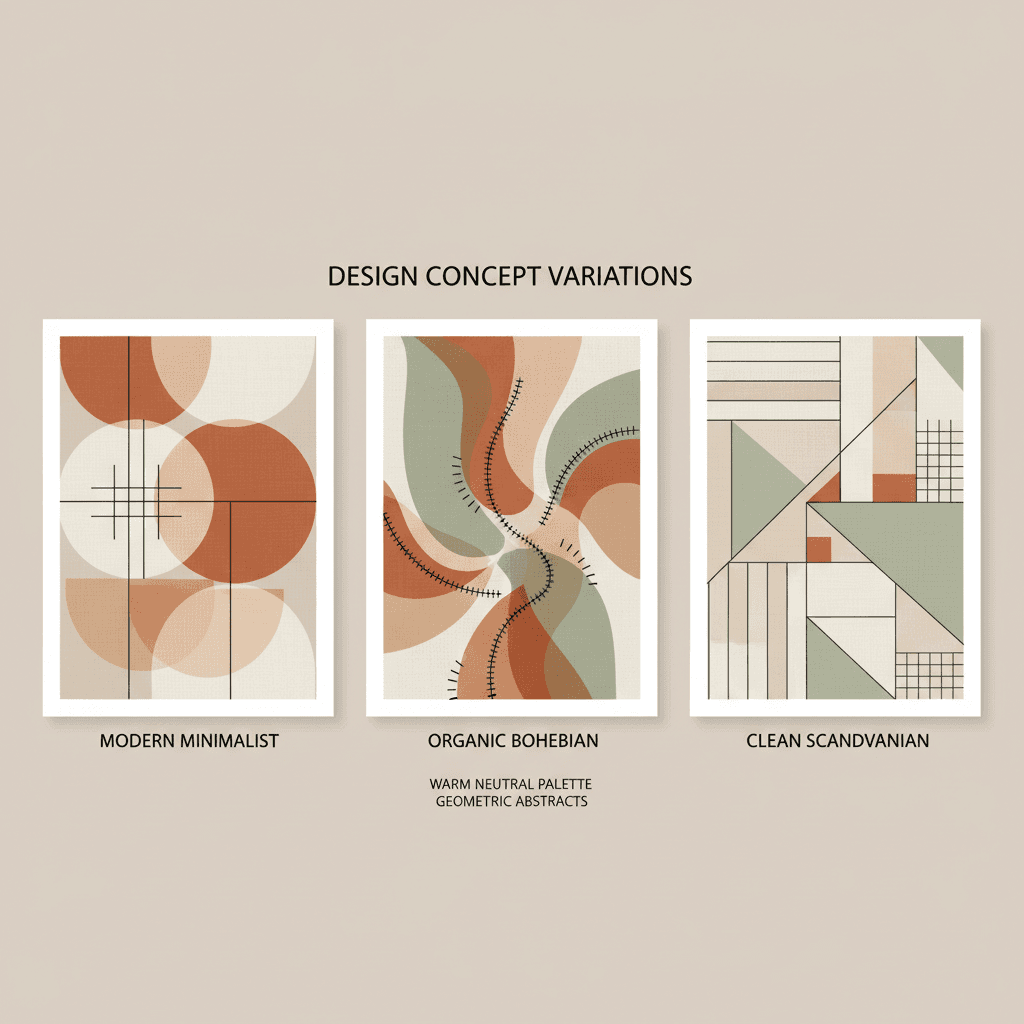
Clean lines, neutral colors, and minimal ornamentation define modern design. Think open spaces, natural materials, and a focus on function over form. Try commenting "give this room a modern, minimal feel."
Scandinavian Design
Light, airy, and functional, Scandinavian design emphasizes minimalism, natural materials, and plenty of white space. It's cozy yet uncluttered, warm yet minimalist. Try commenting "make this feel more Scandinavian."
Industrial Style
Exposed brick, metal fixtures, and raw materials characterize industrial design. This style celebrates the beauty of unfinished spaces, often with a mix of old and new elements. Try commenting "give this an industrial look."
Bohemian (Boho) Design
Eclectic, colorful, and relaxed, bohemian style is all about self-expression and comfort: mixed patterns, layered textiles, plants, and a space that feels collected over time. Try commenting "make this room more boho."
Mid-Century Modern
Popular from the 1940s through the 1960s and back in style again, mid-century modern features organic curves, clean lines, and a mix of natural and man-made materials. Try commenting "give this a mid-century modern look."
Tips for Getting the Best Results
Want to get more out of your comments? Follow these tips:
1. Use High-Quality Photos
The better your input photo, the better your results. Take photos in good natural lighting, get the entire room in frame, and avoid heavily filtered or edited images.
2. Declutter Your Space First
Chic can work with any room, but starting with a decluttered space gives you a clearer canvas. Remove unnecessary items from surfaces and floors before taking your photo.
3. Be Specific in Your Comment
The more specific your comment, the better the result. Instead of "nicer sofa," try "a low, curved sofa in green velvet." Pin the comment to the exact spot in the photo if you can.
4. Keep Commenting
Don't stop at the first result. It's free, so leave another comment, try a different color, or start over with a new style. Nothing is final until you say so.
5. Consider Your Lifestyle
Beautiful design should also be functional. If you have kids or pets, mention that in a comment. If you work from home, ask for a productive workspace.
6. Think About Lighting
Natural and artificial lighting dramatically affect how a design looks. If lighting matters to your vision, mention it in your comment.
What Makes Chic Different
There are plenty of AI design tools. Chic is built around a few different choices:
Free, No Sign-Up
No credit card, no subscription, no account required to start. Upload a photo and start commenting right away. Rooms stick around on their own for 7 days; sign in only if you want to keep one longer.
Comment, Don't Prompt
Instead of a blank text box and a style dropdown, you point at your actual photo and say what to change, the way you'd leave feedback on a document.
Every Piece Is Shoppable
The redesign isn't just something to look at. Tap any piece of furniture in the photo to find it, or something close to it, on Amazon.
Share and Get a Second Opinion
Send a before-and-after link to anyone, or invite someone to comment on the room alongside you. No account is required for them to see it.